Bookings while the room is full: how your WhatsApp answers when you can't look at it
The phone doesn't stop mid-service and nobody can spare a glance at it. How the ChatME assistant confirms WhatsApp bookings against your real Google Calendar, and what it does with large groups.
ChatME··4 min read
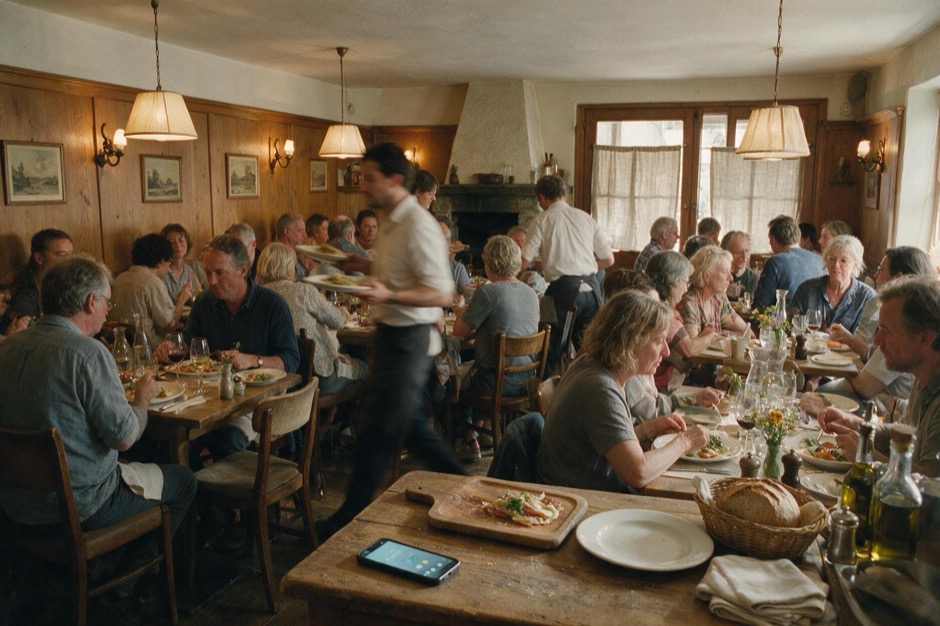
Friday, 9:15pm. The dining room is full, two parties are waiting by the door, and your phone keeps buzzing with people asking for a table — for tomorrow, for an hour from now, for eight people on Saturday. Nobody in the room or the kitchen can stop to look at a phone, so those messages pile up until close — and by then, half of them have already booked next door.
It isn't that you're short-staffed. It's that table requests don't wait for you to have a spare minute to answer them, and during a full service that minute almost never comes before closing.
An assistant that actually books, not one that just takes a message
With the ChatME assistant connected to your WhatsApp Business, whoever messages asking for a table doesn't get a "we'll confirm shortly" that someone has to check by hand later. The chatbot checks your real availability at that exact moment — the opening hours you've set in your dashboard and your Google Calendar — and if the slot is free, the booking is created and confirmed right there, inside the conversation. If you've already written something in by hand, or that time is taken, the assistant says so and asks the customer for another time instead of promising a table that doesn't exist.
That also holds for your dining room's real hours, not a simplified version of them: if you serve until 1am on a Friday, the chatbot respects exactly that schedule, because it's the one you configured in the dashboard — not a 9-to-5 version built for an office.
Large groups and events: it captures, it doesn't improvise
A table for three on a Thursday, the assistant handles on its own. A party of eighteen for a celebration with a special menu is a different conversation, and there the assistant doesn't try to improvise a seating plan that isn't its call. For those, set up a group form in your dashboard that triggers on words like "group" or "event": the assistant collects the details you ask for in the chat — headcount, date, whatever the customer is asking for — and they reach you by email, at the address you set in your dashboard. You pick it up with those details already gathered, instead of it getting lost among the hundred messages that came in that night. Without a form, the request stays in the conversation, logged in your dashboard.
For the same reason, if someone insists on speaking to a person at 9:15pm while the room is full, the assistant doesn't go looking for a server: it points them to the restaurant's contact details, and the conversation stays logged in your dashboard. There's no live handoff to a waiter mid-service — the conversation is waiting in your dashboard whenever you can look at it.
The same assistant that answers your website
What replies on WhatsApp is the same brain your web chatbot already uses, trained once on your menu, your hours and your booking policy: allergens, whether dogs are welcome on the terrace, whether there's parking nearby. Any change you make in the dashboard applies in both places at once. You connect it yourself, with no credentials to paste and nothing technical to fight with, following the guide on how to connect your WhatsApp Business.
What it doesn't do, and it's worth knowing
The assistant doesn't manage your floor plan or assign specific tables — it checks slots against your calendar, not square metres of dining room. It also doesn't take deposits or payments on its own: if your booking policy requires one for large groups, that's something you handle yourself when you confirm by email. And it doesn't invent availability: if the hours you've configured don't cover that window, or the slot is already taken, it says so instead of promising it.
What you need, and what it costs
Google Calendar bookings come with the Basic plan and above; the WhatsApp Business channel comes with the Pro and E-commerce plans (see plans and pricing). For a restaurant that wants both at once — bookings over WhatsApp checked against your real calendar — you need the Pro plan, which includes everything in Basic. Neither Meta nor ChatME charge per message: Meta hasn't billed service conversations since November 2024, which is exactly what the assistant does when it replies to whoever messages you.
If you run more than one location, or want to see it set up with your actual menu before deciding, restaurants on ChatME covers the rest of what the assistant does for hospitality — or email us at info@chatme.es.
*Availability may vary by country.*
START TODAY
Ten minutes. Try it free.
Try it on your real website. If you’re not convinced, cancel without writing a single email.