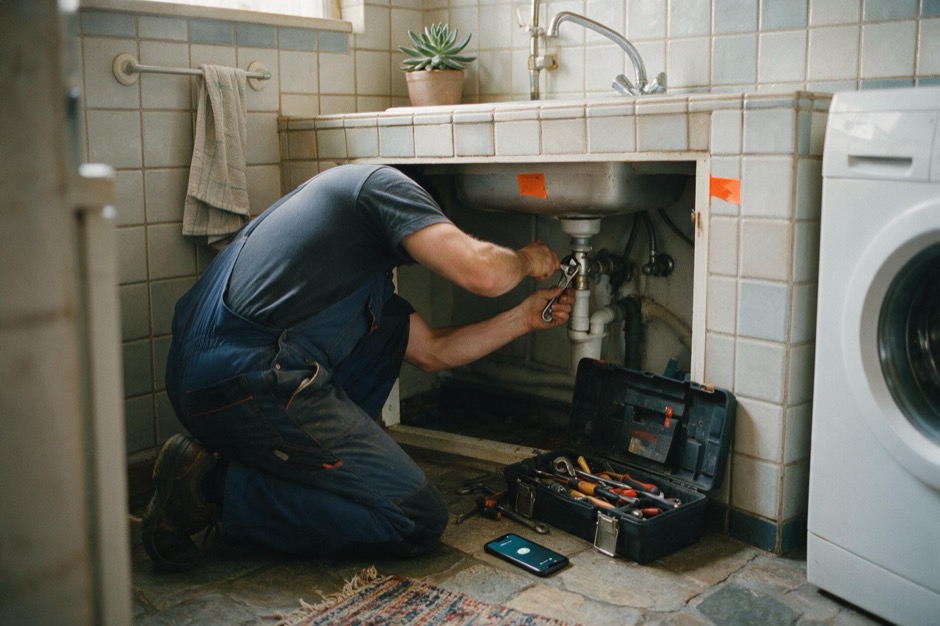
Quoted while you are up a ladder: what your WhatsApp assistant does
Customers ask for a quote over WhatsApp while your hands are busy on the job. How the ChatME assistant creates the client and request in your Jobber, without inventing a price.
ChatME··4 min read
You're up a ladder, hands covered in paint, and the phone keeps buzzing in your pocket. Customers are asking "how much to paint a living room?", "do you install air conditioning?", "can you come this week?". You can't stop the job to type, and by the time you finally check your phone at night, half a dozen of those messages have already found someone else who answered first.
It isn't that you don't want to reply. It's that a quote request doesn't wait for you to put the brush down, and for a sole trader or a small crew, that wait is exactly what loses the customer.
An assistant that captures the request, not one that invents a price
With the ChatME assistant connected to your WhatsApp Business and your Jobber account, whoever writes asking for a quote doesn't get a "we'll get back to you" that disappears among a hundred other chats. The assistant asks the questions you set up — what they need, where, when suits them — and as soon as it has a name and a contact, it creates the client and the request directly in your Jobber, tagged "ChatME" as the lead source. If that email already exists in your account, it reuses the record instead of duplicating it.
What matters is what it doesn't do: it doesn't invent a price. Quoting is still your call — whatever the assistant says about prices comes from your own knowledge base, never from Jobber or a generic estimate. Whether painting a fence costs different from painting an 80m² living room is something you decide when you call back, with the details already collected and without the customer having waited hours for anyone to answer.
If they're already your client, they manage it themselves
A client you already have in Jobber can check, move or cancel their next appointment without you having to put your tools down to do it for them. They first verify with the email and phone number on file — both have to match, not just one — and every change shows up in your Jobber instantly, with a note so you can see it whenever you get to check the dashboard.
The visit gets booked, but your real schedule isn't checked
Here's the limit worth knowing before you trust it blindly: if the visitor and the assistant agree on a day and time for the quote visit, that visit is booked already in your Jobber — but the assistant isn't allowed to read your calendar of planned jobs, so it doesn't check whether you already have something on at that time. It accepts whatever the customer says, even on a Sunday or outside your usual hours. That's why it's worth checking soon after: if another job clashes, you move it yourself in Jobber and let the customer know, since they already consider it confirmed.
The same assistant that already answers your website
What replies on WhatsApp is the same assistant your website uses, trained once with your services, your coverage area and your rates if you publish them. You connect WhatsApp yourself from your dashboard, with no credentials to paste, following the guide on connecting your WhatsApp Business; and it identifies itself as AI in its first reply, as the EU AI Act requires.
What it doesn't do, and it's worth knowing
It doesn't give Jobber prices or estimate costs on its own: you quote. It doesn't check which slots you have free — it accepts whatever time the customer proposes and books it, without checking whether it clashes with another job. It doesn't take payments or touch invoices. And it never lets one client see another's details or appointments: without a matching email and phone, there's no access.
For a plumber working alone, "I'll check it later myself" might be enough; for a crew running several visits a day, it's worth glancing at the Jobber dashboard first thing, before a customer shows up at a time you'd already booked.
What you need and what it costs
The Jobber integration and the WhatsApp Business channel come together on the Pro plan and the E-commerce plan (see plans and pricing) — there's no need to choose one or the other. If your business is plumbing, electrical work, HVAC, renovations or cleaning, home & field services on ChatME covers the rest of what the assistant does for your sector, or write to us at info@chatme.es.
*Availability may vary by country.*
START TODAY
Ten minutes. Try it free.
Try it on your real website. If you’re not convinced, cancel without writing a single email.