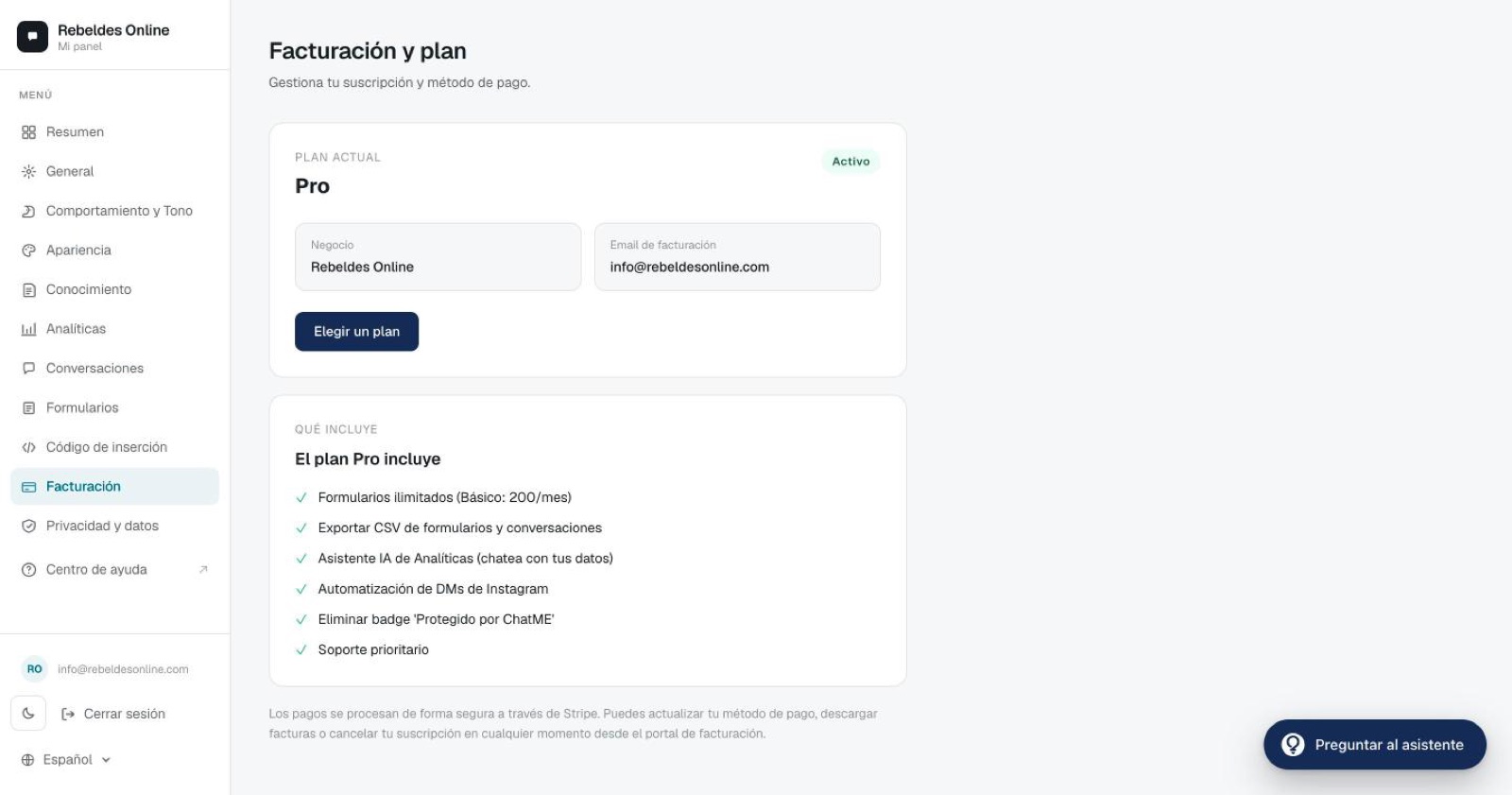
ChatME has a free plan and three paid ones —Basic, Pro and E-commerce—, all of them with automatic re-training of what your assistant knows, and everything is handled securely through Stripe. This guide covers what each plan includes, how the free trial works, how to change or cancel your subscription, and how to access your invoices.
Plan comparison
Paying annually saves ~10% on Basic and Pro and ~16% on E-commerce.
The free plan does not expire and asks for no card. You move up when conversations grow, when you need more training sources, or when you want channels, integrations, CSV export or the badge removed.
Google Calendar bookings are included from the Basic plan up — how to set them up in Bookings with Google Calendar. With them, appointment reminders go by email from the Basic plan, and by WhatsApp too on Pro and E-commerce: you switch them on yourself, and only people who accept them get one (more in Appointment reminders). The WhatsApp Business channel is available on Pro and E-commerce, and you connect it yourself from your dashboard in a few minutes — step by step in Connect WhatsApp Business.
The E-commerce plan includes everything in Pro and additionally connects your online store so the assistant can answer order questions and, on PrestaShop, live-stock questions. More detail in Connect your online store.
Not sure which one fits you? Compare in detail on Pricing and the Comparison.
14-day free trial
Every new subscription includes a 14-day free trial:
- A card is required upfront, but nothing is charged until day 15.
- You can cancel any time during those 14 days at no cost.
Changing plans
Go to Billing → "Manage subscription" to open the Stripe portal. From there you can:
- Upgrade from Basic to Pro: the change is immediate and prorated.
- Downgrade from Pro to Basic: applied at the end of the current period.
- Switch from monthly to annual (or back).
- Update your payment method.
- Download your invoices.
If your plan stops including E-commerce (after a plan change or a cancellation), the assistant stops querying your store. The connection stays saved, encrypted, and works again exactly as it was if you return to E-commerce. If you'd rather delete it, in Overview open the E-commerce row of the Connections card and click Disconnect: it works on any plan. You can also revoke the key in your store.
Canceling your subscription
Go to Billing → Manage subscription → Cancel plan. You keep access until the end of the period you've already paid for, and your data isn't deleted immediately, so you can reactivate without losing your setup.
Invoices and tax details
- You have the full history with PDFs in the Stripe portal.
- To include your tax details (VAT/Tax ID, legal name), add them under "Billing information" inside the portal.
VAT
The prices shown are excluding VAT. VAT is added at checkout based on your country (for example, 21% in Spain).
Payment methods
We accept cards (Visa, Mastercard, Amex) and SEPA. Everything is processed through Stripe: we never store card data.
Refunds
- During the 14-day trial there is no charge at all: if you cancel before it ends, you pay nothing.
- After the 14 days, if you're not satisfied within the first 30 days, write to us at info@chatme.es and we'll refund the first month.
- If you see a charge you didn't expect (for example, you cancelled and were still charged), write to us too and we'll look into it.
Need a hand?
For any question about your plan or invoice, open the ChatME Assistant from your dashboard or book a demo and we'll go through it with you.
Ask the ChatME Assistant
It's in your dashboard and knows every step. Or book a demo and we'll set it up with you.